
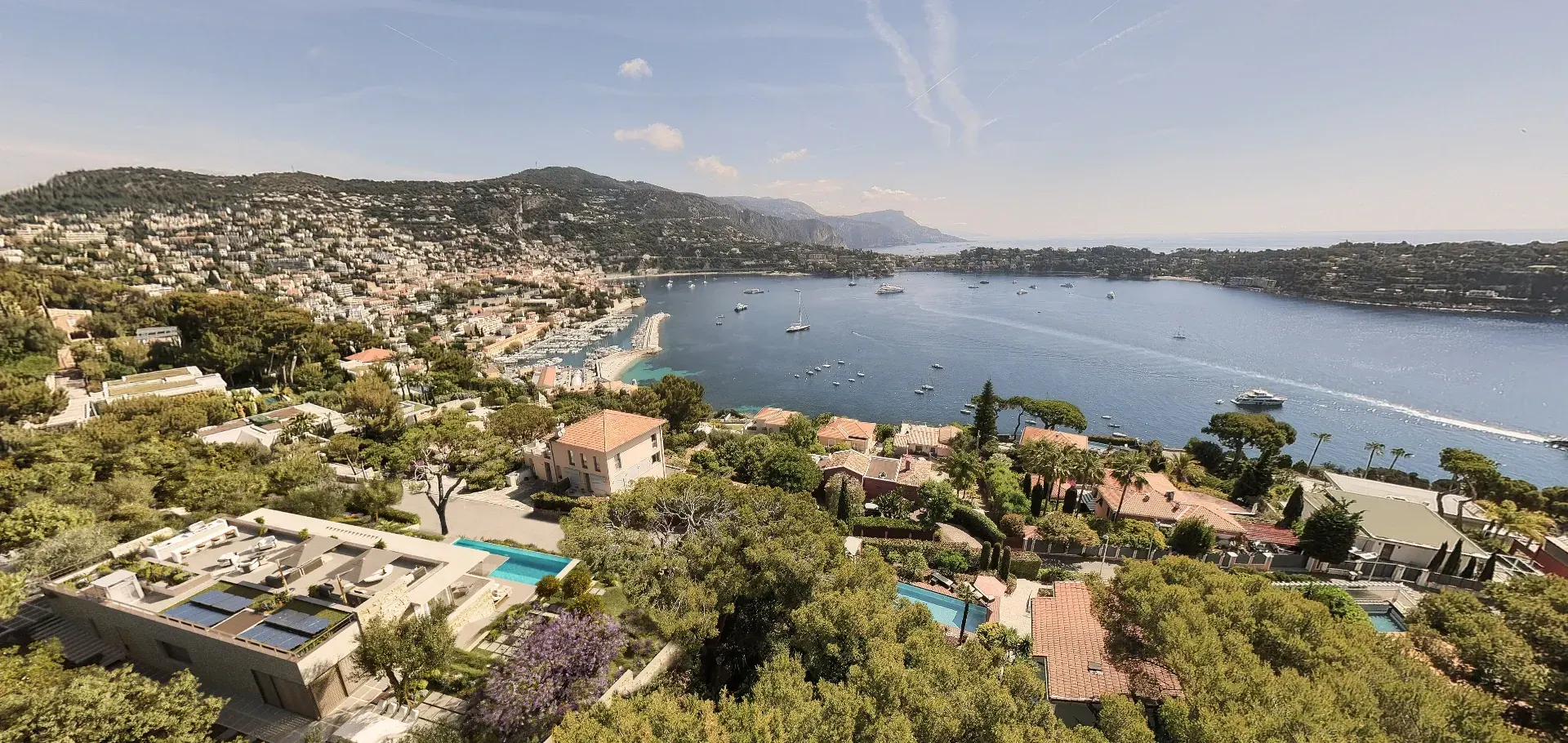
360° panoramas to explore a space before it is built
Let buyers look in every direction from a chosen viewpoint. A 360° panorama showcases a room, terrace or outdoor space alongside your other presentation materials.
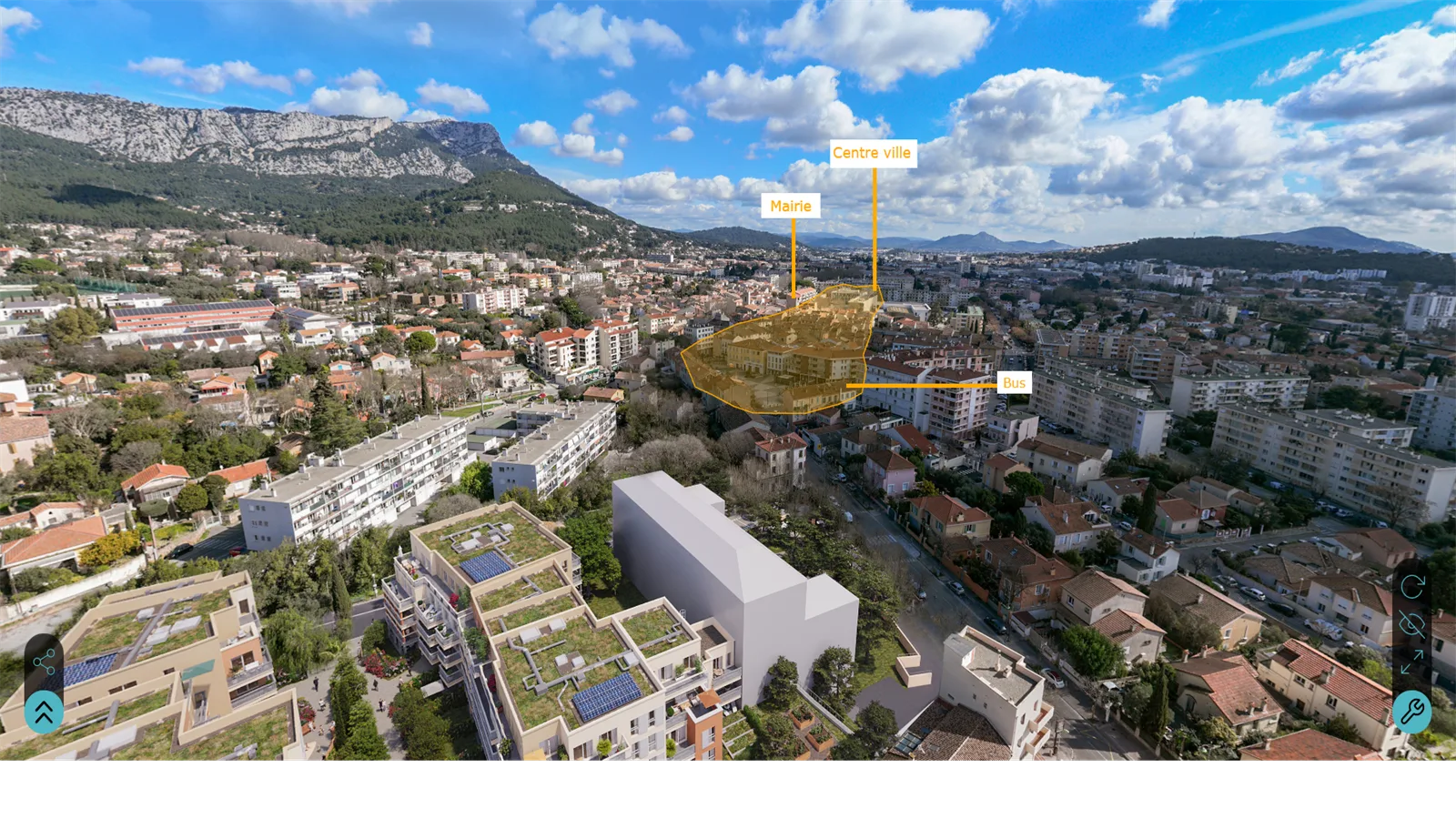
Immersive 360° image of a real-estate development from a single viewpoint, explorable in the browser.
A real-estate 360 panorama brings a precise viewpoint to life before construction — terrace, living room, lobby or surrounding view — with free exploration from the browser, on mobile and desktop alike. It integrates easily into a development page or a sales landing page. Vizion Studio delivers a 360 panorama in 3 to 5 days depending on the number of scenes.
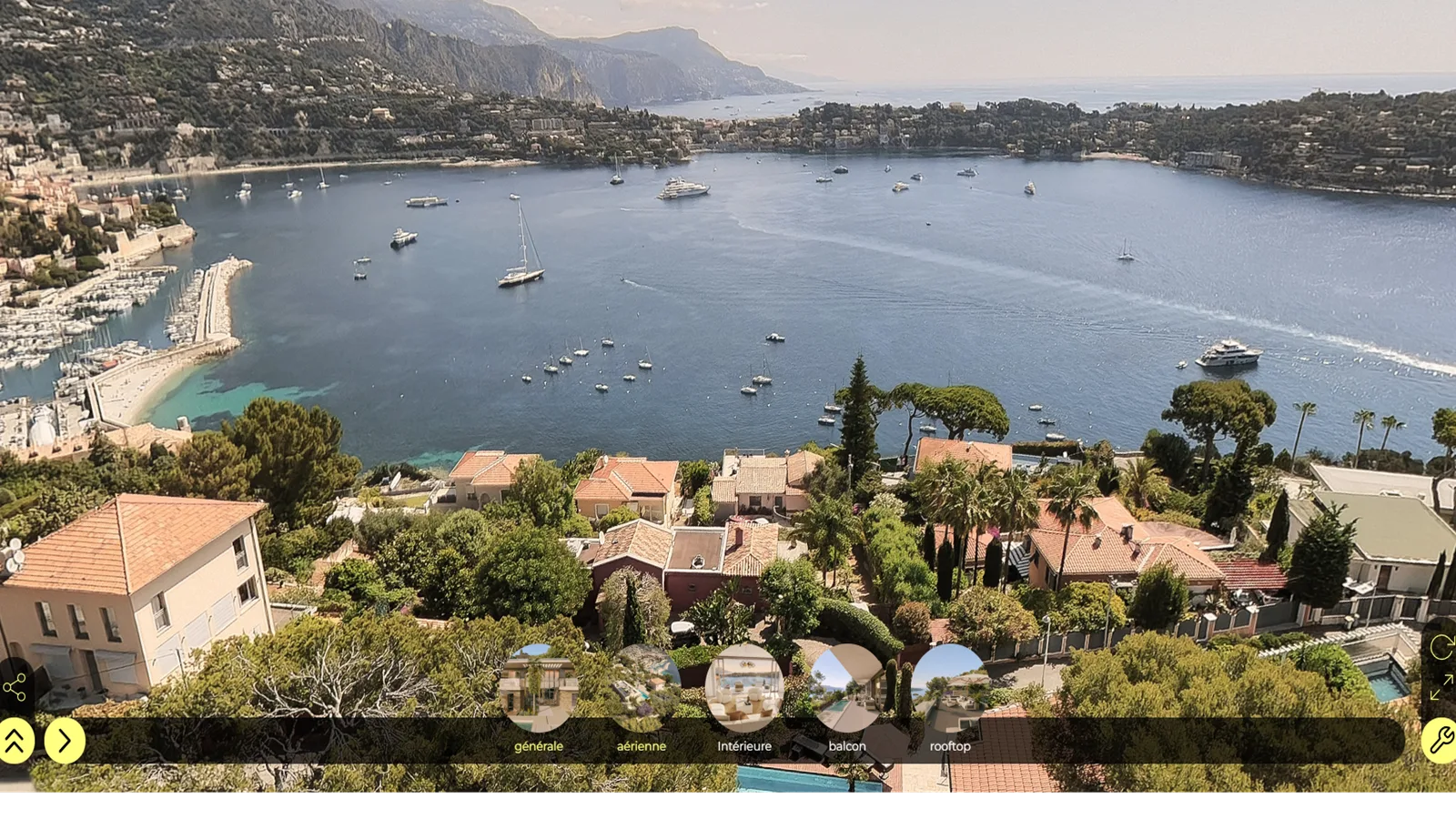
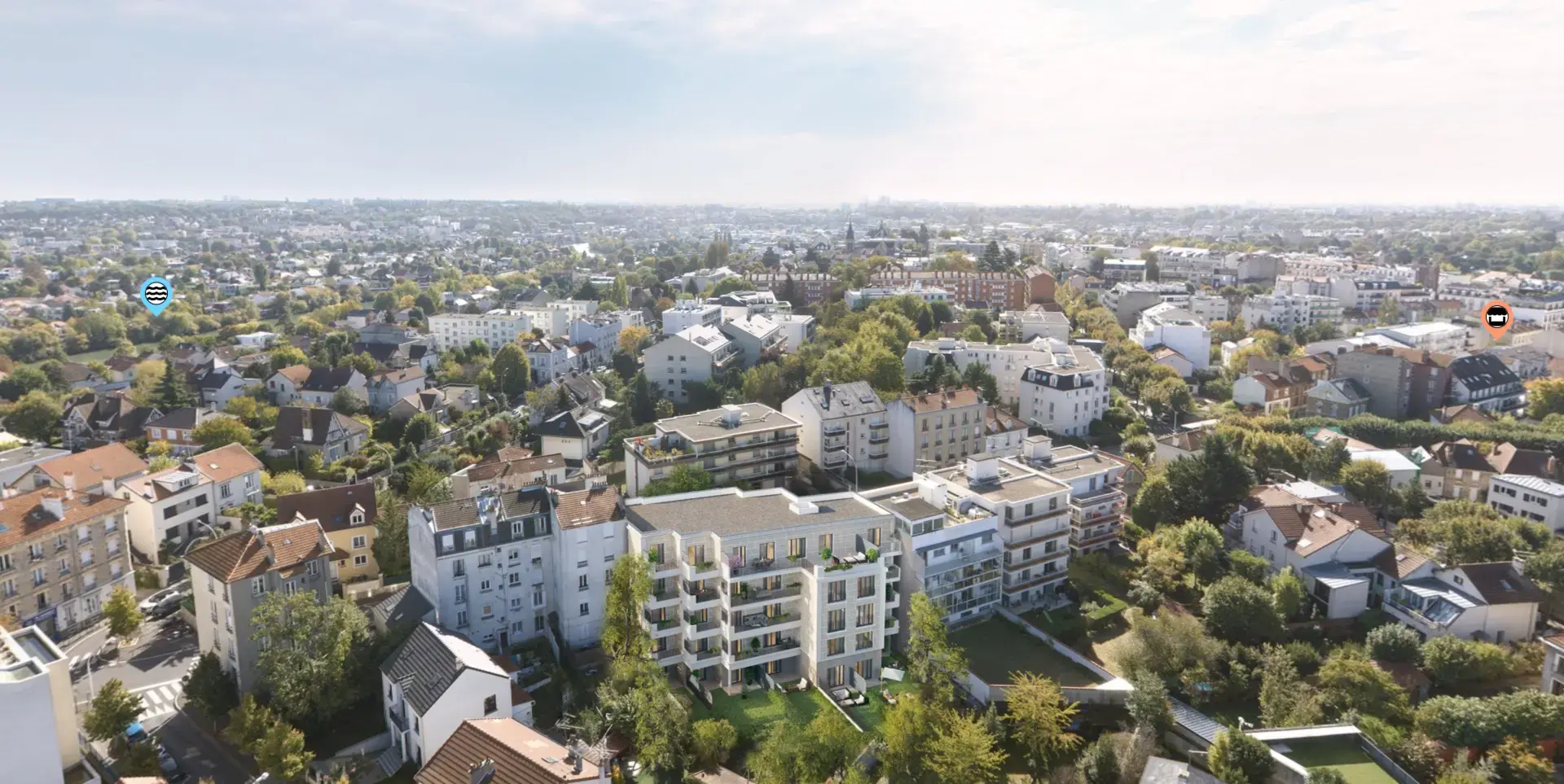
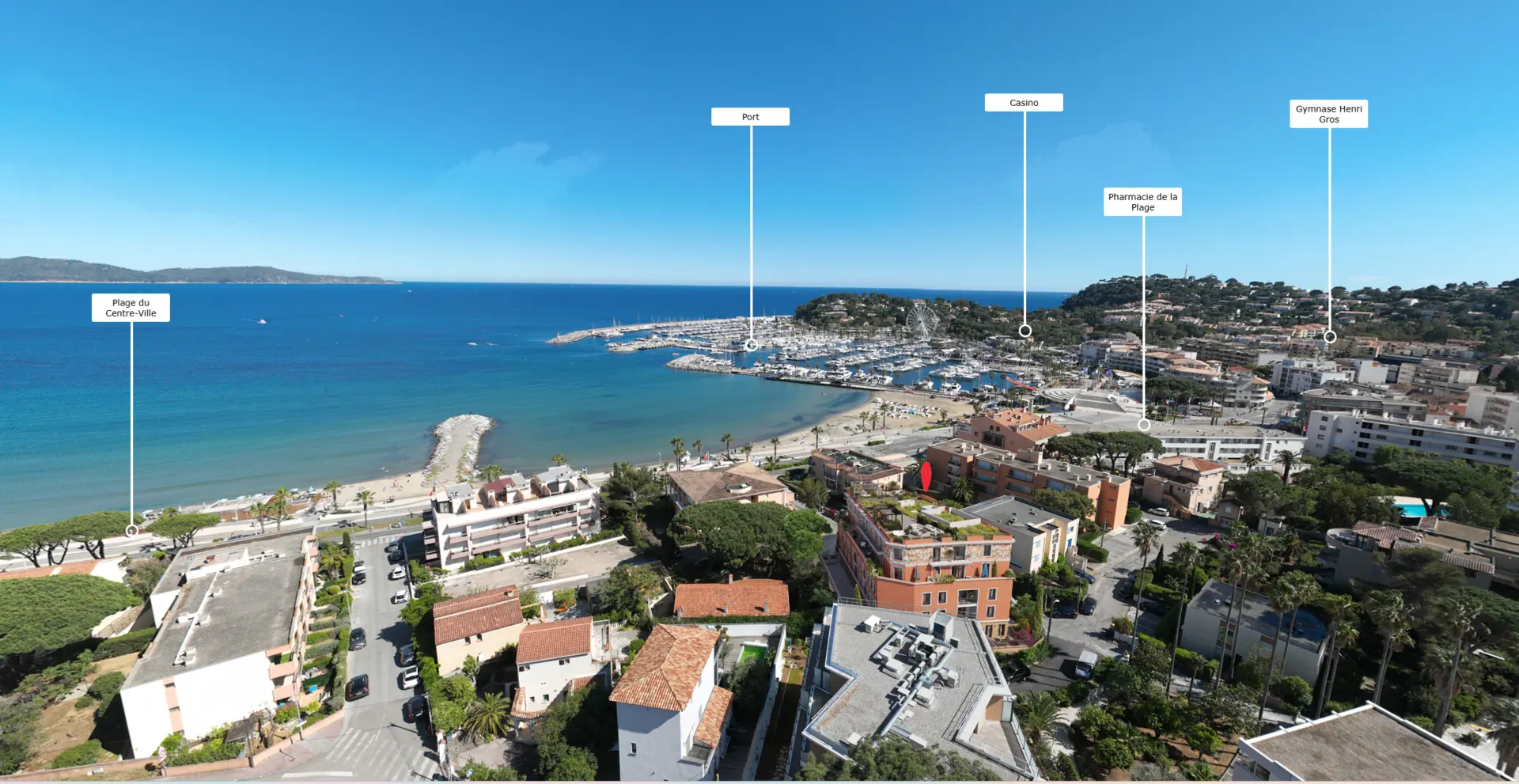
4 360° panoramas delivered
Each slot shows a real panorama, explorable in 360° from a single viewpoint.
What you receive
A 3D environment based on your plans and design references.
A 360° panoramic view from the agreed position.
A web-viewable presentation with integration arrangements agreed with you.
Scope agreed before production
The quotation defines the number and location of panoramas, spaces shown and distribution arrangements.
Materials tailored to your role
Property developers
Present a residential or commercial development before completion. We define the views and materials needed for your launch, sales meetings and individual units.
Choose your property sales materialsArchitects and project owners
Make volumes, materials and the project’s surroundings easier to understand. Viewpoints are based on your plans to help explain the architectural intent.
Prepare your architectural briefReal estate communication agencies
Use 3D deliverables across your campaign: development websites, brochures, signage and digital media. Formats and reviews are agreed with your creative team.
Plan your campaign deliverablesFrom brief to ready-to-use materials
Four stages, with scope and timing agreed together.
- 01
Brief and documents
Share available plans, objectives, required materials and your schedule.
- 02
Scope and quotation
We define deliverables, viewpoints, formats and review stages.
- 03
Production and reviews
We produce proposals and incorporate the agreed feedback from your team.
- 04
Delivery and distribution
Receive approved materials in the formats planned for your marketing.
360° panorama, virtual tour, rendering or film?
The 360° panorama doesn't replace all other 3D assets: it meets a specific need for quick immersion around a strong viewpoint.
The highlighted column is the fastest asset to deploy for effective immersion in a single space.
| 360° panorama | Virtual tour | 3D rendering | 3D animation film | |
|---|---|---|---|---|
| Immersion level | High | Very high | Medium | High |
| Navigation | Free on site | Free from room to room | None | Fixed path |
| Ideal use case | Key viewpoint | Complete home | Static sales visual | Launch video |
| Production time | 3 to 5 days | 10 to 20 days | 3 to 5 days | 20 to 30 days |
| Integration | Site + email + show | Website | Brochure + listing | Social + landing |
Practical guidance
Prepare your 3D project
Virtual Tours and 360° Panoramas for Property Sales
How virtual tours for property and 360° panorama real estate assets help sell off-plan homes to remote buyers in the US, UK, and Middle East.
Read the guideReal-Estate 3D Marketing: A Visual Toolkit for Developers
A developer's guide to real estate 3D marketing: every CGI asset, what each one sells, and how to combine property marketing visuals across the funnel.
Read the guide
Before starting your project
Which deliverables are included in the quotation?
The quotation defines the number and location of panoramas, spaces shown and distribution arrangements.
What budget should I allow for this 3D service?
The budget depends on the number of deliverables, project complexity, level of detail and distribution channels. Share your requirements and documents for a quotation based on the actual scope.
Which documents are needed to start?
Send available plans, material and design references, required views or spaces and your target date. If the brief is incomplete, we will identify the missing information during scoping.
How are timing and reviews organised?
We agree a schedule after reviewing the brief, separating first proposals, your feedback and final delivery. Changes to plans or scope may require a revised schedule.
How does this differ from other 3D services?
A panorama lets users look around one fixed point. A virtual tour connects several positions to explore multiple spaces.
How can the deliverables be used and updated?
Formats, permitted uses and any hosting arrangements are specified in the quotation. Tell us about planned updates or variations so we can account for them in the scope.
Let’s discuss your property project
Tell us about your development, the materials you need and your schedule. We will define the deliverables and quotation with you.