
Orbital 3D models
An orbital 3D model lets buyers rotate a development in 360° to grasp its layout, volumes, access and relationship to the neighbourhood in seconds. Unlike a still image, it invites free exploration and can display units, orientations and availability.
In this section, we explain when and how to use an orbital model to market a real estate development: sales office, website, trade fairs, remote meetings. We also cover data preparation, the right level of detail and integration into the developer's website.
See our orbital 3D model service.
Articles about Orbital 3D models
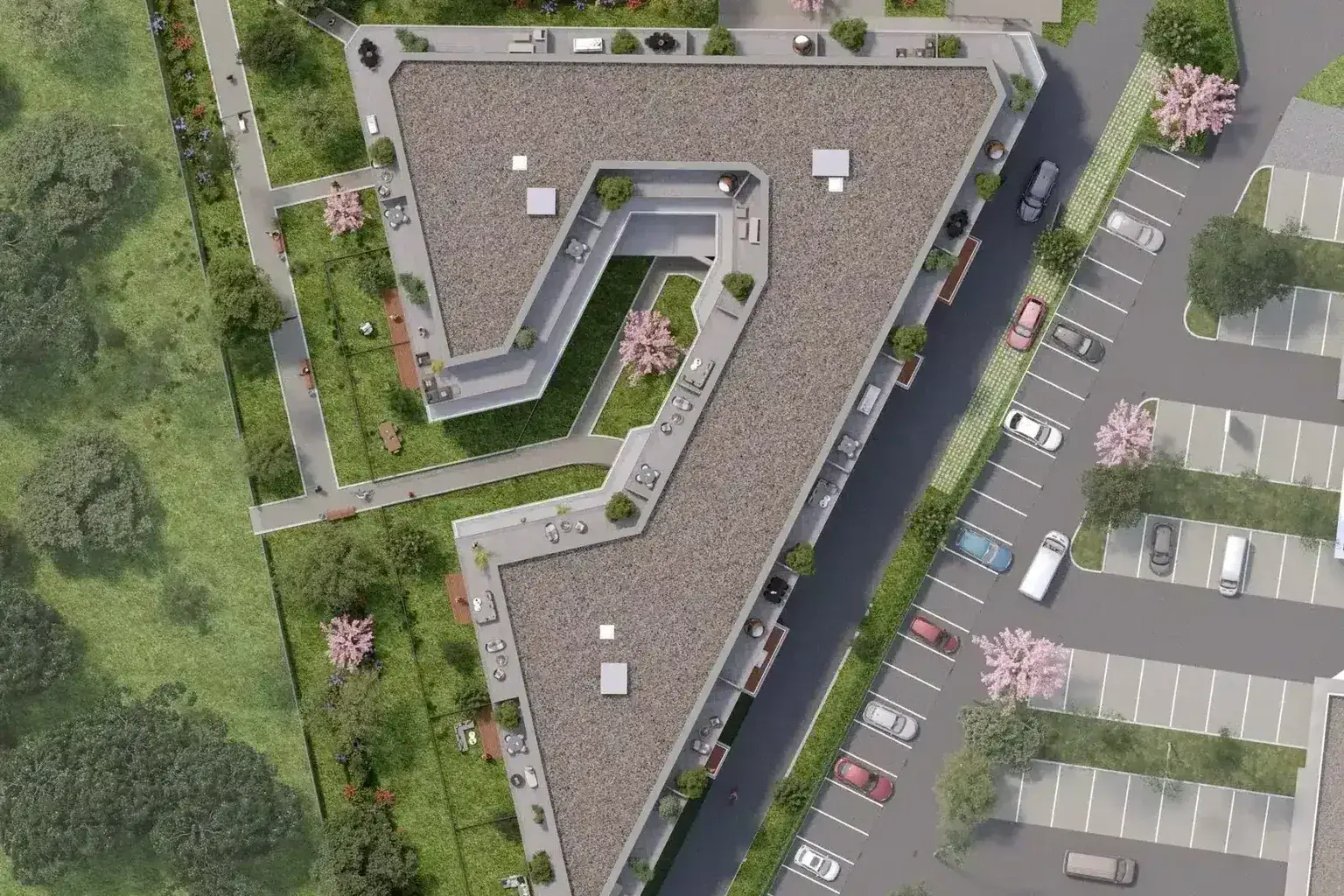
Sunlight in a new development: what an orbital 3D model can show
What the sunlight simulation in an orbital 3D model shows buyers, where it helps in sales and what it does not replace.
Read article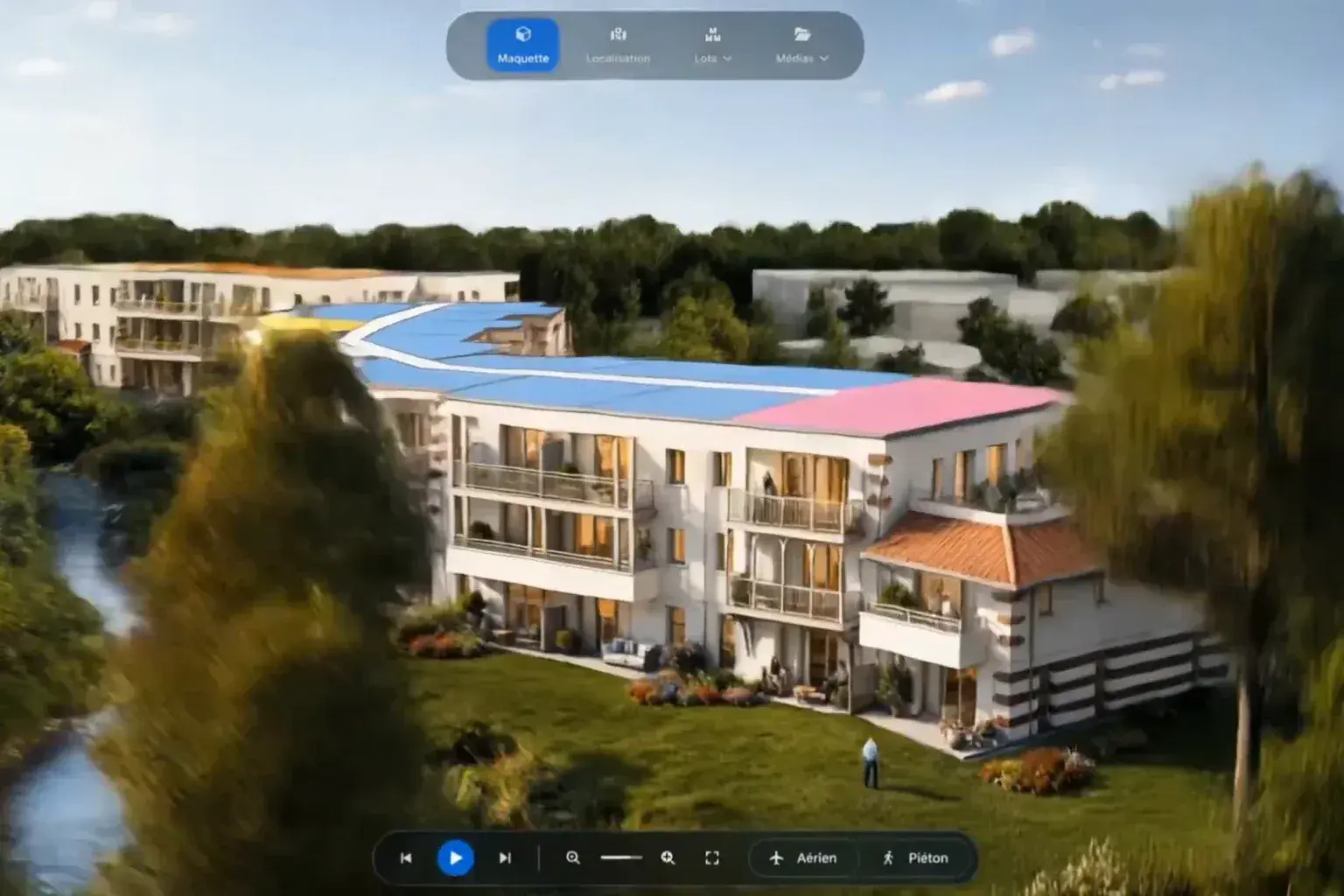
Showing unit availability in an orbital 3D model
What buyers see of available units in an orbital 3D model, where the display is useful, how to keep it up to date and what it does not replace.
Read article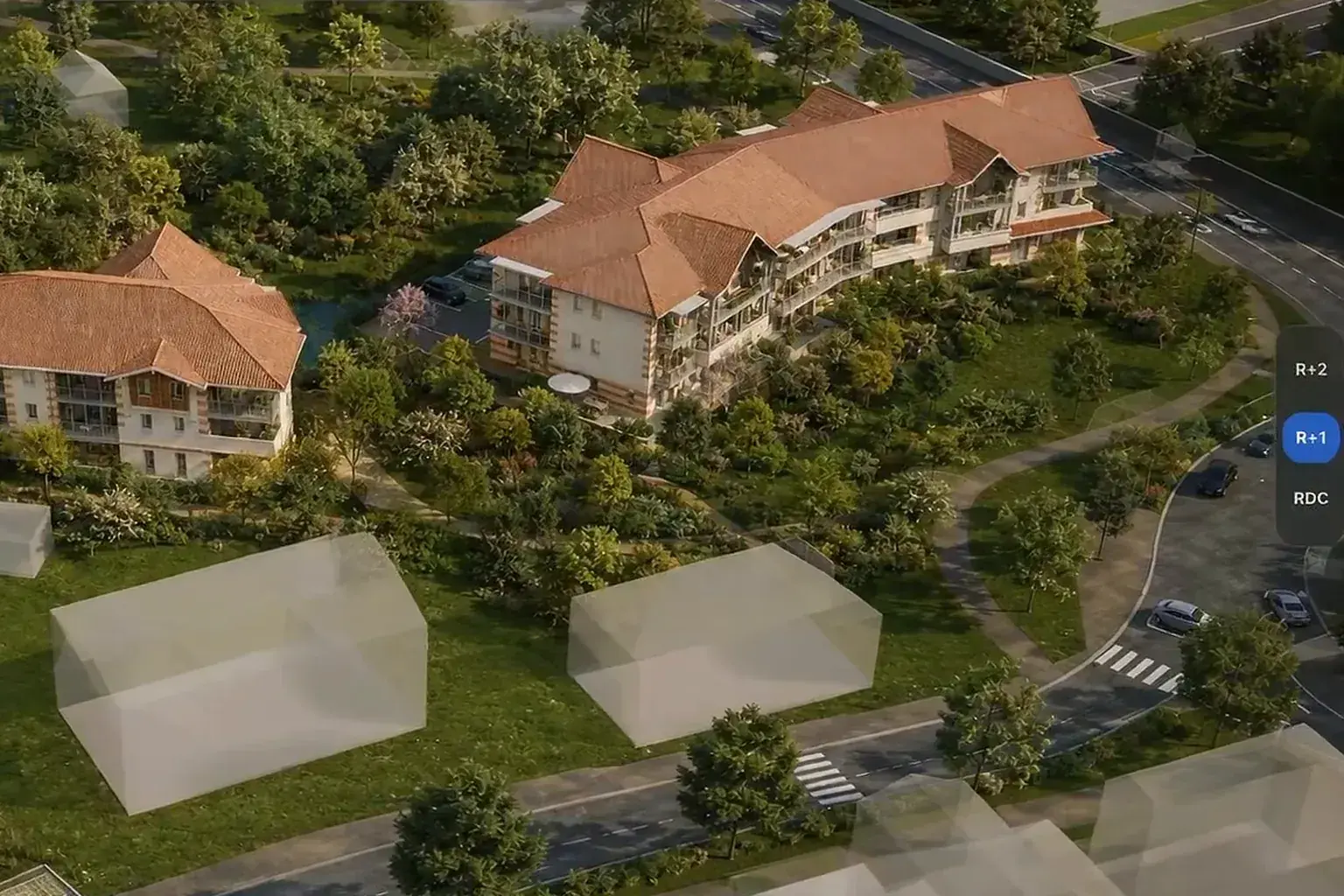
Floor-by-floor cutaway in an orbital 3D model: what it is for
What an isolated floor shows, how it differs from a floor plan and how the floor-by-floor cutaway of an orbital 3D model helps sell unit by unit.
Read article
Property development 3D visualisation: what to show at each project stage
Feasibility, planning, launch, sales, last units: what property development 3D visualisation should show at each stage, and where orbital models fit.
Read article
3D Configurators for New-Build Developments
A practical guide to 3D configurators for new-build schemes: what they add beyond a static image, how to brief one, and a checklist for comparing 3D studios.
Read article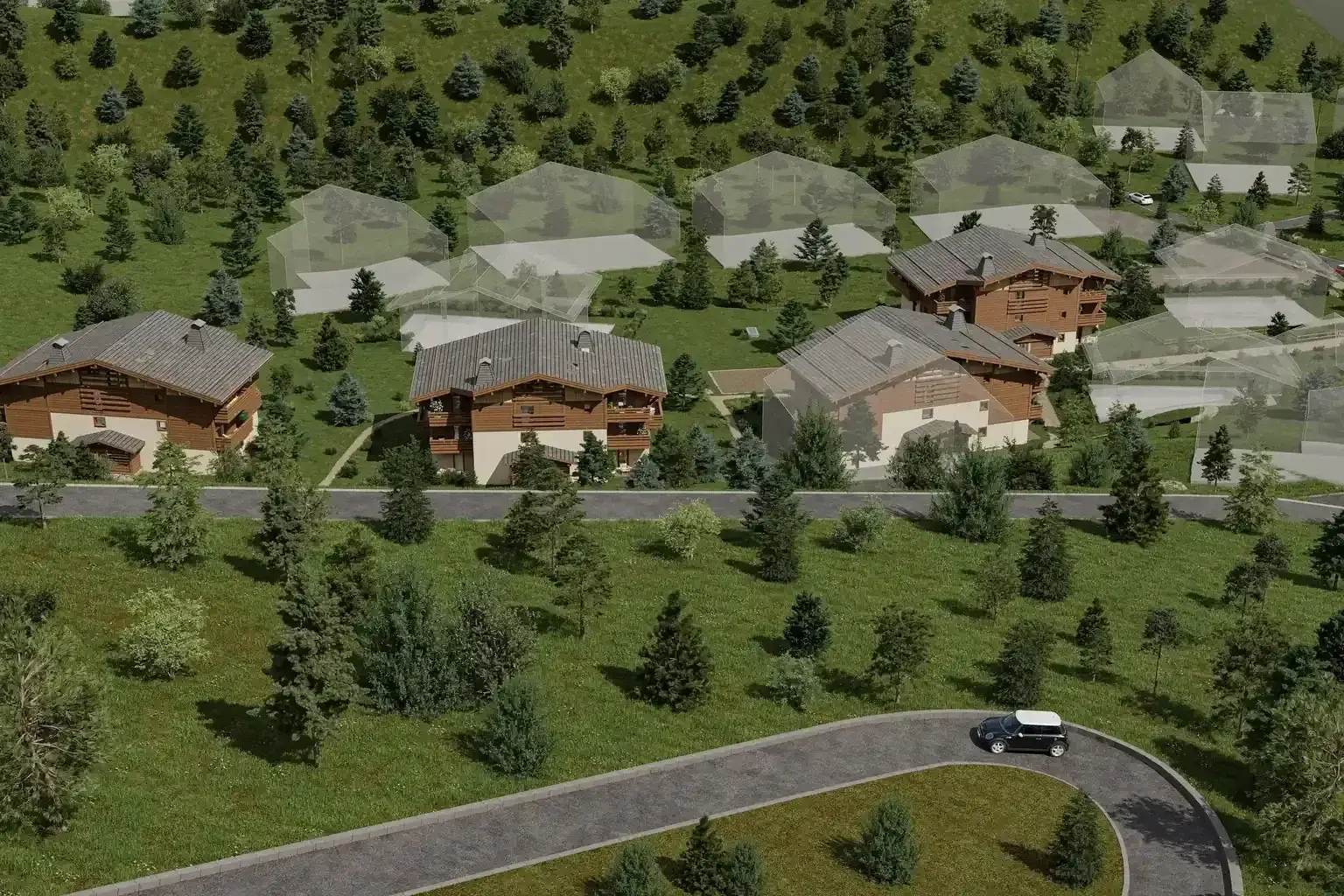
Orbital 3D model: definition and uses for a new-build development
A 3D model you rotate through 360° in the browser: what an orbital 3D model is, its four sales features and how it is used on a new-build development.
Read article